Sync your contacts between iCloud and Google instantly
Keep your address book clean, updated, and safely backed up across all your devices.
✔Sync iCloud ↔ Google Contacts in one tap
✔Export contacts to CSV for backup or migration.
✔Secure & private — data stays on your device
✔Sync iCloud ↔ Google Contacts in one tap
✔Export contacts to CSV for backup or migration.
✔Secure & private — data stays on your device
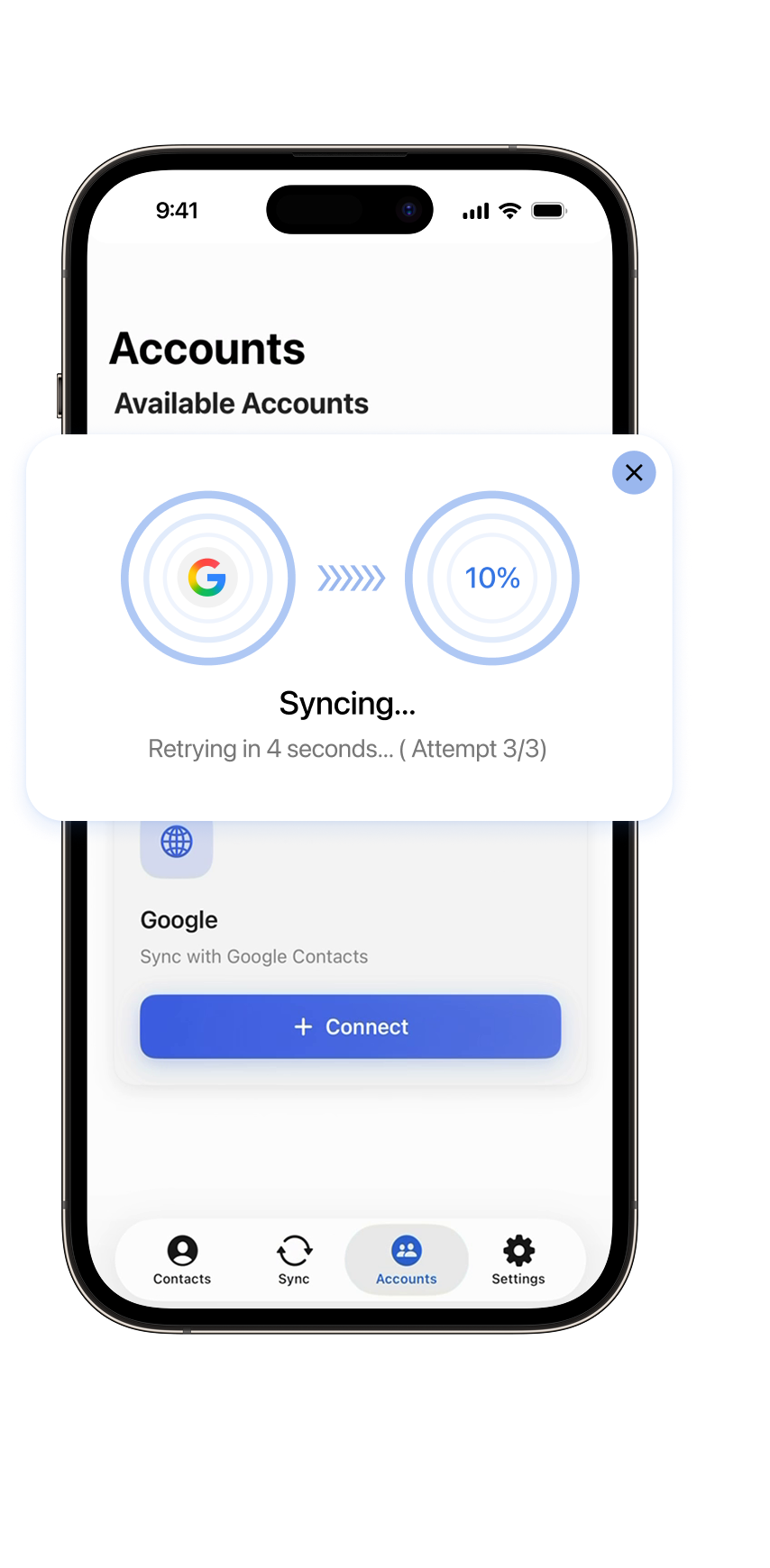
Why do you need SyncBuddies?
Your contacts live across different platforms — we keep them organized, synced, and always up to date.
Keep everything in sync
Your iCloud and Google Contacts finally work together. No duplicates, no missing numbers — just one unified address book.
Safe
& Private
& Private
All sync operations are performed directly on your device. We don’t store or access your contacts. Ever.
Instant conflict resolution
Preview all changes before syncing. Decide what stays and what gets updated — full control in one screen.
Effortless CSV Export
Keep your contacts safe and be ready to move. Export your entire address book in a clean, universal CSV format.
How SyncBuddies Works
Sync your contacts safely and efficiently in just a few taps.

Connect your accounts
Login to your Google and iCloud accounts. One-time setup for seamless syncing.

Choose sync type
Select one-way, two-way, or manual sync. Preview changes before confirming.

Sync your contacts
Automatically or manually update all contacts across devices. Resolve conflicts instantly.

Export contacts
Export contacts to CSV for backup or migration.
All the features you need to manage your contacts
SyncBuddies gives you full control over your address book.
Import contacts
Load contacts from iCloud and Google. Add new contacts if you are within the free limit.
Sync contacts
One-way (iCloud → Google, Google → iCloud), two-way, or selected contacts only.
Edit & Delete contacts
Edit or remove any contact — changes are reflected in the source account.

Sync history
View full history of all past synchronizations.
Share contacts
Quickly share any contact via standard iOS sharing options.
Export contacts
Export contacts to CSV for backup or migration.
